
Where the app started
- Built on an old SDK and the retired
android.supportlibraries. - Build errors in the project, so it could not simply be rebuilt with current tools.
- Below the target API level Google Play now requires, which blocks new updates.
The app itself worked and users liked it. The owner's goal was simple: keep it publishable, with the same screens and the same features.
What we did
- Moved off the retired support libraries to AndroidX.
- Fixed the build errors and brought the project onto current Android tooling (Gradle and the Android Gradle Plugin).
- Raised the target API level to 36 (Android 16), the level Google Play requires for updates.
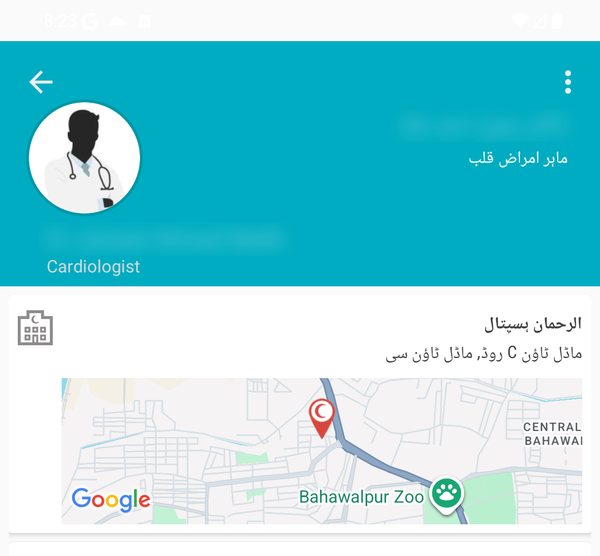
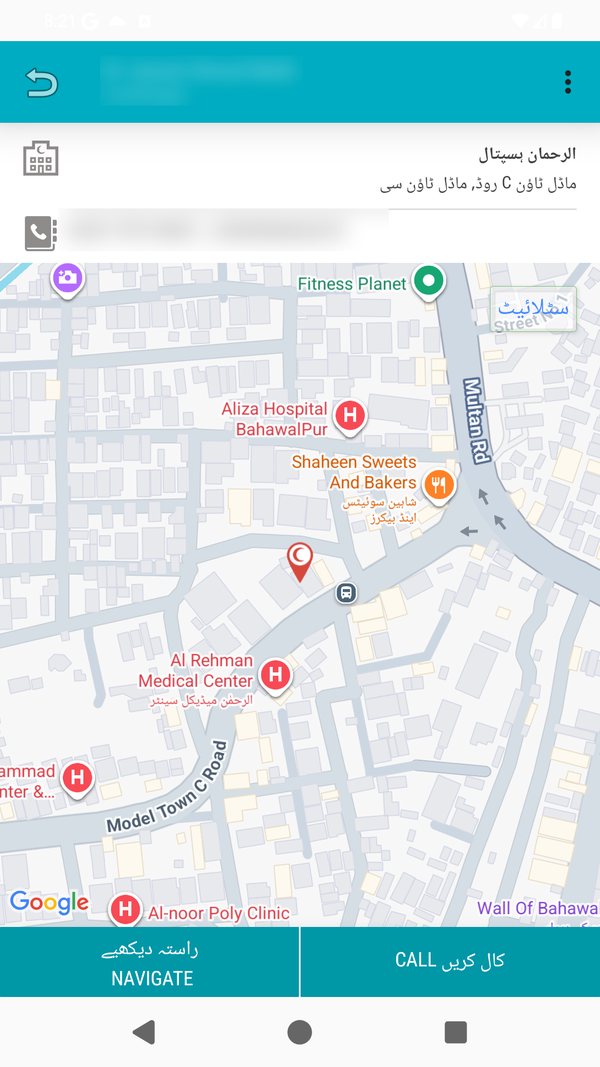
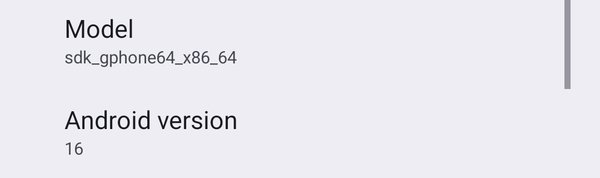
- Tested on Android 16: installed, launched, and opened the main screens.
The bug nobody sees until you test on Android 16
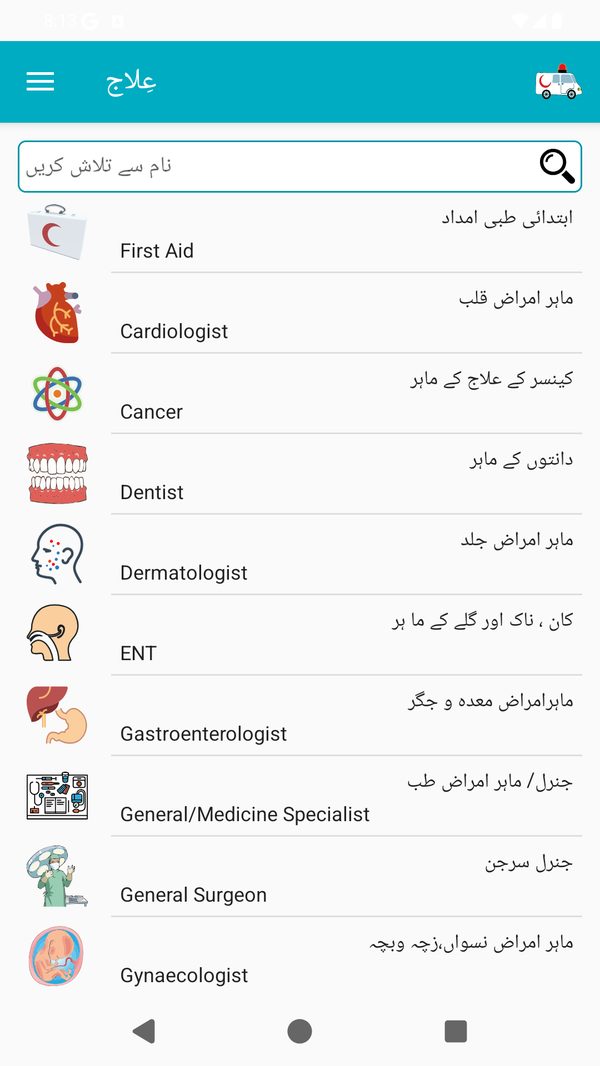
After the target level went to 36, the app compiled and ran. No crash, no build error. But on the home screen the search field was clipped behind the ActionBar.
The cause is a platform change: from Android 15, apps targeting API 35 or higher are forced to draw edge to edge, under the status and navigation bars. Elaaj uses a classic ActionBar theme, so the bar was drawn under the status bar and covered the first view below it.
What did not work
- Padding the activity's root layout. This fixed the bottom (content clear of the navigation bar) but not the top, because the ActionBar sits above that layout in the window.
- The opt-out flag
windowOptOutEdgeToEdgeEnforcement. On Android 16 it is ignored for apps that target API 36. We checked this on the device instead of assuming.
What worked
Applying the system bar insets to the action bar's own container (decor_content_parent), with the content frame as a fallback. After that, the search field and the bottom of the list both sat correctly, on Android 16.
Why this matters for your app: if your app uses a classic ActionBar theme, the same thing can happen to you. It compiles and does not crash, so a simple "does it build" check will say everything is fine. Only testing on Android 16 shows it.
What we did not change
- No redesign. The screens, navigation and features stayed as they were.
- No rewrite and no language conversion. The code stayed in the language it was written in.
- We did not need the owner's keystore, passwords or Play Console access. The work happened on the source code.
Result
Elaaj is on AndroidX, builds with current tooling, targets API 36 and runs on Android 16 with its layout intact, so the owner can publish updates to Google Play again.
Frequently asked questions
Was the Elaaj app crashing before the update?
No. The app worked. The problems were the old SDK, retired libraries, build errors and a target level below what Google Play requires.
Did the app's design or features change?
No. We changed the build, libraries and platform settings the app has to meet, not the screens.
Can you do the same for my app?
If it is a native Android app written in Java or Kotlin, yes. Send us a short description and we will do a free check first.
Keep reading
Have an app like Elaaj?
BrightRevamp updates older native Android apps (Java and Kotlin) to Google Play's current rules. Same app, same design, same features.
Email us about your appSources
- Display content edge-to-edge in views (Android Developers)
- Google Play target API level requirement (Android Developers)
- Migrate to AndroidX (Android Developers)
Checked against Google's own documentation on 8 Oct 2026. Rules change, so confirm the dates in your Play Console.